What Happened
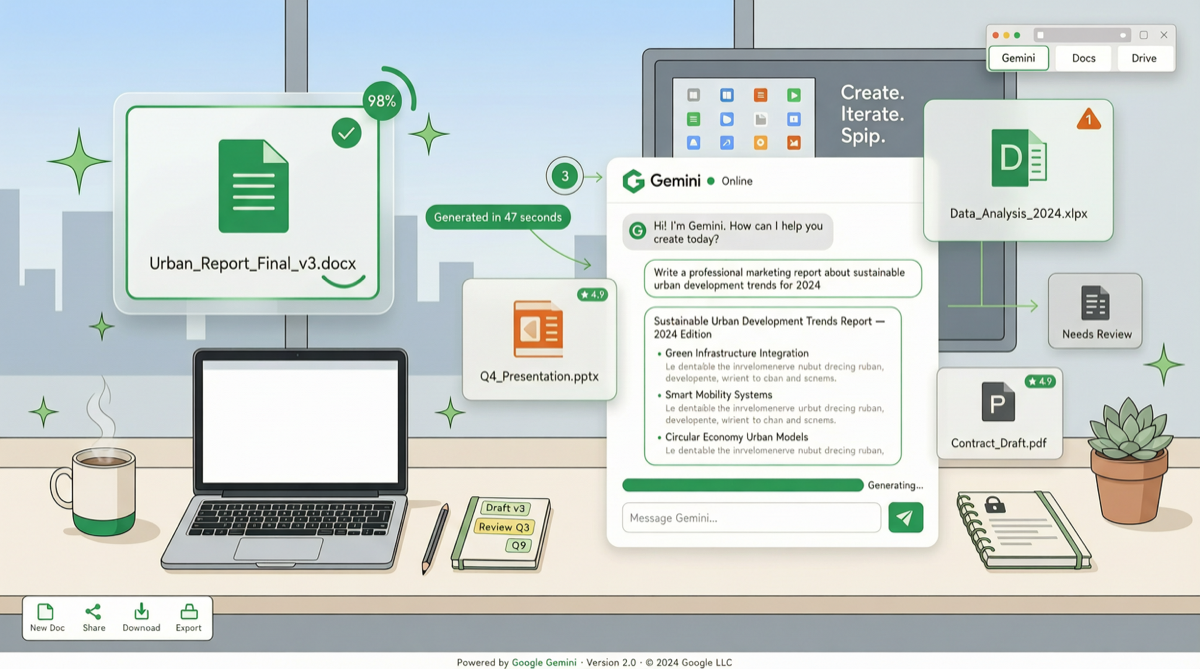
Google has officially launched a direct file generation feature in Gemini Chat. Now you only need to describe your needs in conversation, and Gemini generates complete Google Docs, Sheets, Slides files, plus PDF, Word, Excel formats — click to download.
This is not “help you write text for copy-paste,” but direct output of structured, editable office files.
Actual Effect Demonstrations
Scenario 1: Business Report
“Create a Q1 sales analysis report, including trend charts and 3 key findings”
Gemini directly generates a Google Docs file, including:
- Structured headings and sections
- Embedded data tables
- Auto-generated trend charts
- Summary paragraphs for key findings
Scenario 2: Presentation
“Make a 10-page product launch PPT, blue theme color, including product features, pricing, and user cases”
Outputs a complete Google Slides, each page with:
- Title + content layout
- Auto-colored design template
- Placeholder charts and image suggestions
Scenario 3: Spreadsheet
“Help me create a monthly budget table, including income, fixed expenses, variable expenses, and balance calculation”
Generates a Google Sheets with formulas:
- Auto-categorized data structure
- Built-in SUM/AVERAGE formulas
- Conditional formatting and charts
Technical Changes Behind It
The core of this update is not just “can generate files,” but Gemini’s deep understanding of the Google Workspace ecosystem:
| Capability | Before | Now |
|---|---|---|
| Document generation | Outputs text, user manually formats | Directly generates structured Docs files |
| Data tables | Outputs CSV text | Sheets with formulas and charts |
| Presentations | Suggests outline | Fully designed Slides |
| Format support | Text only | Docs/Sheets/Slides/PDF/Word/Excel |
| Editing capability | None | Generated files editable directly in Workspace |
Technically, Google leverages its native understanding of Workspace file formats — a moat that third-party models cannot replicate. Claude and GPT can output text, but cannot directly generate Google-native files with formulas, styles, and layouts.
Competitive Landscape
Google’s moat:
- Native Workspace integration → direct access to file formats and APIs
- User data closed loop → contextual understanding based on files in Drive
- Brand trust → enterprises’ existing reliance on Google ecosystem
Competitors’ response space:
- Microsoft Copilot: Already has deep Office 365 integration, but generation capability is more conservative
- Claude: Skills system can build workflows, but no native file generation
- OpenAI: ChatGPT’s file generation relies on third-party plugins
Practical Advice for Enterprise Users
Scenarios to evaluate immediately:
- 📊 Routine report generation: weekly/monthly reports, data summaries — significant efficiency improvement
- 📋 Templated documents: meeting minutes, project plans, proposal drafts — saves substantial formatting time
- 🎓 Teaching materials: courseware, handouts, exercises — teachers can quickly produce structured content
Limitations to note:
- ⚠️ Data accuracy: AI-generated data requires human verification, especially for financial content
- ⚠️ Brand consistency: Auto-generated designs may not match corporate VI standards
- ⚠️ Sensitive information: Avoid letting AI directly process documents containing business secrets
Forward-Looking Judgment
This update releases a clear signal: AI is transitioning from “conversational assistant” to “work executor.”
Previously, AI’s value was “helping you write things faster”; now, AI’s value is “completing work for you directly.” This shift is disruptive for productivity applications — when AI can directly output editable office files, the way users interact with office software will be redefined.
For Google, this is a critical step in upgrading Gemini from “chatbot” to “Workspace intelligent engine.” For competitors, this is another benchmark to catch up to.
Two weeks remain until Google I/O (May 19), where more Gemini + Workspace integration features are expected to be unveiled.