What Happened
On May 4, 2026, Unity officially announced that Unity AI has entered public beta. The tweet garnered 5,223 likes, 547 retweets, and 3,987 bookmarks within 48 hours, with views exceeding 2.07 million—triggering unusually high engagement in the game developer community.
Unity AI’s core positioning is clear: AI should help creators move faster while keeping them in control of the creative process. This directly addresses game developers’ long-standing concerns about AI tools—“Is AI-generated content controllable? Can it integrate into existing pipelines?”
Three-Layer Architecture Design
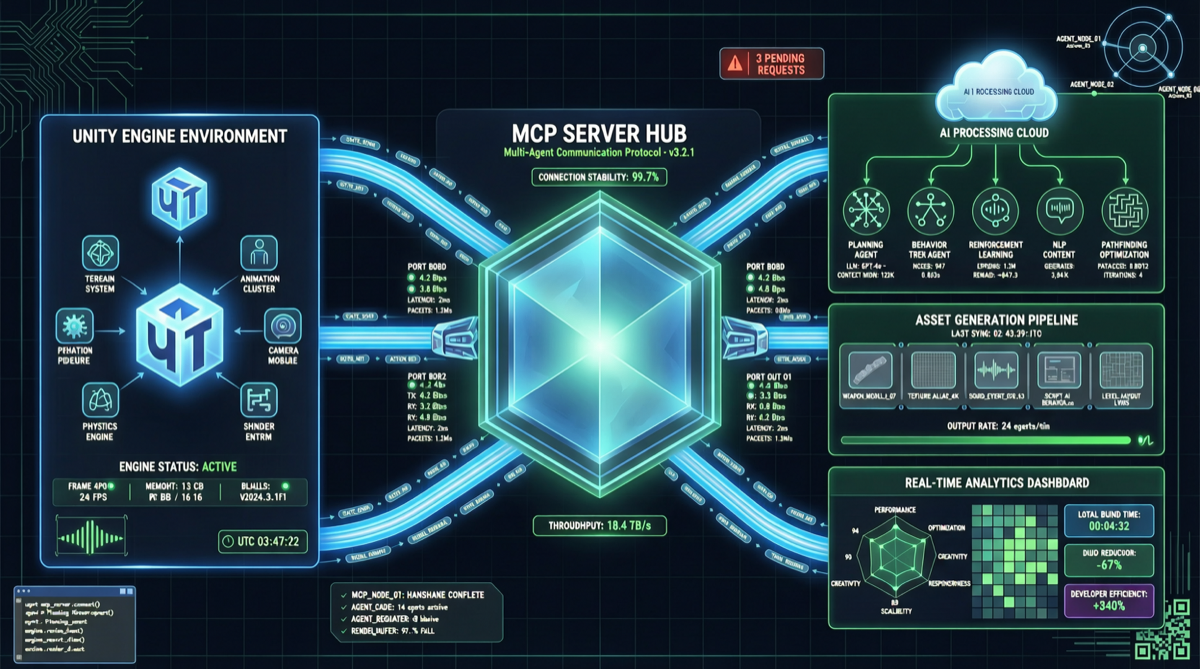
Unity AI is not a single “AI assist button”—it’s a three-layer infrastructure:
| Layer | Component | Function |
|---|---|---|
| Built-in Agent | Unity-Tuned AI Agent | An AI agent specifically optimized for Unity workflows (scene building, scripting, material generation) |
| AI Gateway | Unified AI Interface Layer | Connects developers’ preferred external AI tools (Claude Code, Cursor, custom models) with unified management |
| MCP Server | Model Context Protocol Server | Allows third-party AI tools to directly read and manipulate Unity project data, enabling bidirectional communication |
The key to this architecture is openness: Unity didn’t go the “walled garden” route—instead, it lets developers freely choose their AI tools while ensuring seamless integration with the Unity editor.
Strategic Significance of MCP Server
Unity’s MCP Server implementation is particularly noteworthy. MCP (Model Context Protocol) is an open standard promoted by Anthropic for secure AI model interaction with external tools. Integrating it into a game engine means:
- Claude Code / Cursor can directly read Unity scene structures, understanding GameObject hierarchies, Prefab references, and script dependencies
- AI can safely modify project files without corrupting Unity’s asset database
- Developers can work in their preferred AI IDEs while maintaining Unity editor integrity
This follows the same logic as GitHub Copilot’s integration into code editors, but Unity AI goes further—it doesn’t just autocomplete code, it understands the entire game project structure.
Comparative Analysis: Game Engine AI Adoption Routes
| Engine | AI Strategy | Openness | Current Status |
|---|---|---|---|
| Unity | Built-in Agent + MCP Server + AI Gateway | High: supports any AI tool | Public Beta |
| Unreal Engine | MetaHuman Generation + internal AI toolchain | Medium: Epic-owned tools focused | Continuous iteration |
| Godot | Community plugin ecosystem | High: fully open source | Community-driven |
Unity chose a different path from Unreal Engine. Epic leans toward building its own AI tool ecosystem (like MetaHuman Generator), while Unity chose to become the “AI tool connection layer”—whatever AI developers use, Unity can integrate it.
Landscape Assessment
Unity AI’s public beta sends three signals:
-
Game engines are transitioning from “creation tools” to “AI orchestration platforms.” Unity is no longer just providing modeling and programming environments—it’s becoming the runtime infrastructure for AI Agents.
-
MCP Protocol is becoming an industry standard. Following IDEs, browsers, and CLIs, game engines are now connecting to MCP. This means a single AI Agent could simultaneously operate a code editor, browser, and game engine.
-
Game development barriers may lower further. For indie developers and small teams, AI-assisted scene building, scripting, and material generation could significantly compress development cycles.
Actionable Recommendations
- Unity developers: Register for the public beta immediately and evaluate the built-in Agent’s assistance effect in existing projects. Focus on MCP Server compatibility with existing AI toolchains.
- AI tool developers: Unity’s MCP Server interface is a new integration target. Building AI tools that support Unity project reading and modification could attract a large game developer user base.
- Team technical leads: If your team uses both Unity and AI coding tools (like Cursor, Claude Code), evaluate whether Unity AI’s Gateway layer can unify AI tool management and reduce tool-switching costs.
- Indie developers: Monitor Unity AI’s empowerment effect for small teams—AI assistance might make solo development of mid-scale game projects feasible.