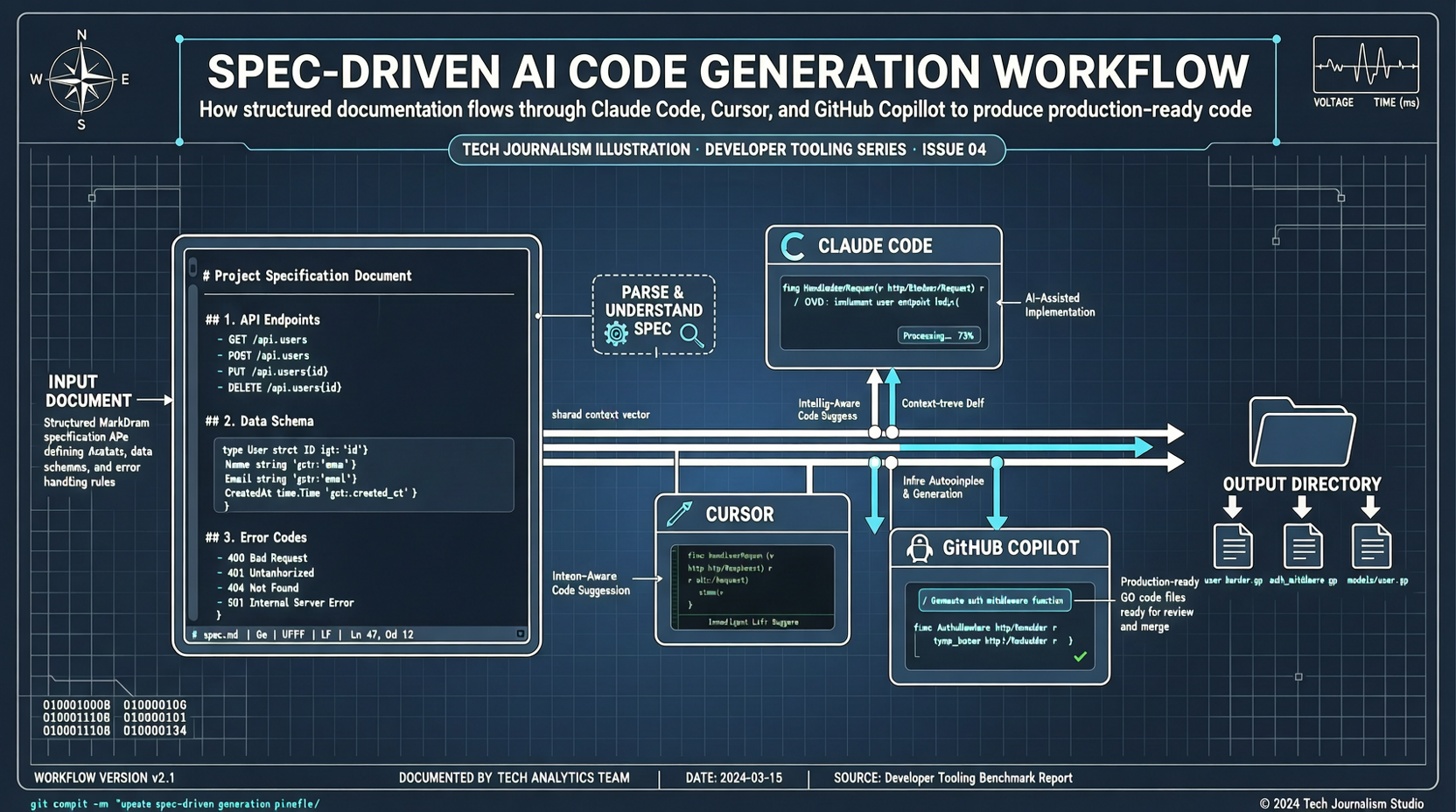
Many people complain that AI coding doesn’t work well — the code Claude Code produces always feels slightly off. The problem usually isn’t the AI. It’s that the requirements were expressed too vaguely.
GitHub’s open-source Spec-Kit (Spec-Driven Development Toolkit) solves exactly this problem. Its core philosophy is so simple it’s almost boring: write the spec first, then write the code.
But it’s this “boring” philosophy that’s changing how many people collaborate with AI.
It Doesn’t Teach You to Code — It Teaches You to “Speak Clearly”
Spec-Kit isn’t another AI coding assistant. It’s a toolchain that teaches you how to communicate with AI.
The entire workflow has four steps:
- Specify: Define what you want to do
- Plan: Plan how to do it
- Tasks: Break it down into small tasks
- Implement: Execute and implement
Sounds a lot like a product manager’s daily work. But the difference is that Spec-Kit structures these steps into a format AI can understand.
Four Scenarios: How to Use It
New project kickoff: Previously, you’d tell AI “build me a React project” and it might dump a bunch of configurations you don’t need. Now, run uvx --from git+https://github.com/github/spec-kit.git specify init my-project. It guides you through filling in the problem the project solves, tech stack choices, and core feature modules. The generated spec.md becomes the unified basis for all subsequent AI coding.
Complex feature development: Say you’re building a “user permission system.” First, create a spec file, define the permission model (RBAC/ABAC), list resources and operations to control, and describe boundary conditions. Once the spec is written, the problem is basically thought through. Then let AI write the code — it usually works on the first try.
Team collaboration: Some team members use Claude Code, some use Cursor, some use Copilot. Code styles are all over the place. Spec-Kit’s solution is to make spec.md the single source of truth. Regardless of who writes code, everyone reads the same spec file first, and AI tool outputs become architecturally consistent.
Refactoring legacy projects: Inheriting someone else’s old code, use the specify analyze command to analyze code structure, generate spec documents, and identify refactoring modules. Extract the core business logic into a spec first, then have AI rewrite from scratch, without historical baggage.
Four Practical Tips
- Don’t make specs too detailed: Clarify “what,” not “how.” Over-specifying actually restricts AI’s creativity. “Redirect to homepage after successful login” is enough — you don’t need “call API, check if status===200…”
- Use AI to help write specs: Chat with AI about requirements first, let it organize them into a structured document. The chat process itself is a requirement clarification.
- Specs are living documents: Write a rough version → AI generates code → discover issues, update spec → iterate. It’s not a contract you sign and forget.
- Use alongside CLAUDE.md:
spec.mddefines “what,”CLAUDE.mddefines “how.” Combined, AI writes code that looks like you wrote it yourself.
When You Don’t Need It
Simple scripts, quick prototypes, changing a few lines of code — just tell AI directly, no need to run Spec-Kit.
Spec-Kit’s positioning is clear: AI is just the executor, you’re the architect. It helps you play the architect role well, turning fuzzy ideas into executable structured documents, then handing them off to AI for implementation.