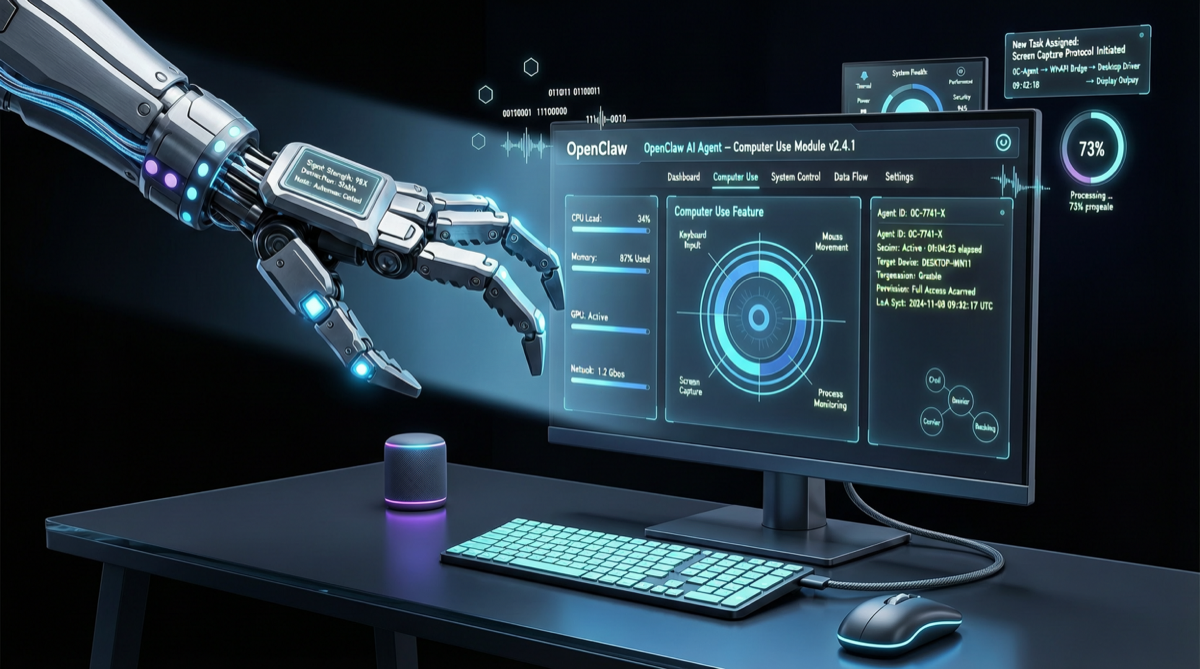
OpenClaw released v2026.4.27 on April 29, 2026. The biggest highlight of this update is the official integration of OpenAI Codex Computer Use, allowing AI agents to directly control user desktops—marking a key step in OpenClaw’s evolution from “conversation + tool calling” to “vision + operation” agent paradigm.
Core Feature: Codex Computer Use Integration
Feature Overview
Codex Computer Use allows AI agents to operate any desktop application through screenshots and mouse/keyboard simulation. Unlike traditional API integration, this approach doesn’t depend on whether the target application provides an API—the agent sees screen pixels and operates real user interfaces.
Quick Setup
The Computer Use feature in this update is designed to be ready out of the box:
- Minimal setup: Enable with simple configuration after installation, no complex environment preparation needed
- Cross-platform support: Supports macOS, Windows, and Linux simultaneously
- Secure sandbox: Operations run in an isolated environment; users can intervene or terminate at any time
Typical Use Cases
| Scenario | Traditional Approach | Computer Use Approach |
|---|---|---|
| Filling web forms | Requires Selenium/Puppeteer scripts | Agent sees the page and fills directly |
| Desktop app operation | Requires specialized automation frameworks | Agent operates the interface like a human |
| Cross-app workflows | Requires integrating multiple APIs | Agent switches between windows to operate |
Other Update Highlights
Desktop Control Upgraded
Beyond Computer Use integration, desktop control capabilities received overall enhancement:
- More precise coordinate positioning and element recognition
- Better multi-monitor support
- Optimized screenshot frequency and transmission efficiency
More Communication Channels
Added support for various instant messaging platforms, enabling agents to be deployed on more endpoints for user interaction.
Startup Speed Optimized
The overall startup process has been optimized, significantly reducing the time from when the agent receives a command to when it begins execution.
OpenClaw April Update Pace Review
This is OpenClaw’s fourth major update in April, with unprecedented iteration density:
| Version | Release Date | Core Features |
|---|---|---|
| v2026.4.24 | Apr 25 | Google Meet integration, DeepSeek V4 Flash/Pro, precise browser clicking |
| v2026.4.26 | Apr 28 | Google Live Talk, Ollama refactoring, Claude Code migration |
| v2026.4.27 | Apr 29 | Codex Computer Use, desktop control upgrades, startup optimization |
Three major releases in one week, each focusing on a different direction—from communication integration to local models, to desktop operation control—OpenClaw is rapidly building a full-scenario AI agent platform.
Industry Significance
The introduction of Computer Use capability subtly shifts OpenClaw’s positioning:
- From AI assistant to AI operator: Agents are no longer limited to answering questions or calling APIs—they can operate any software like a real user
- Lowering automation barrier: No need to write complex automation scripts; describe tasks in natural language
- Long-tail scenario coverage: Scenarios traditionally difficult to automate—desktop applications, legacy systems—can now be resolved through visual operation
Quick Start
Existing users update directly:
openclaw updateNew users install:
npx @anthropic-ai/openclaw@latestAfter enabling the Computer Use feature, agents can handle complex workflows requiring desktop operations. It’s recommended to test in a controlled environment first, confirming safety and reliability before using in production scenarios.