Conclusion
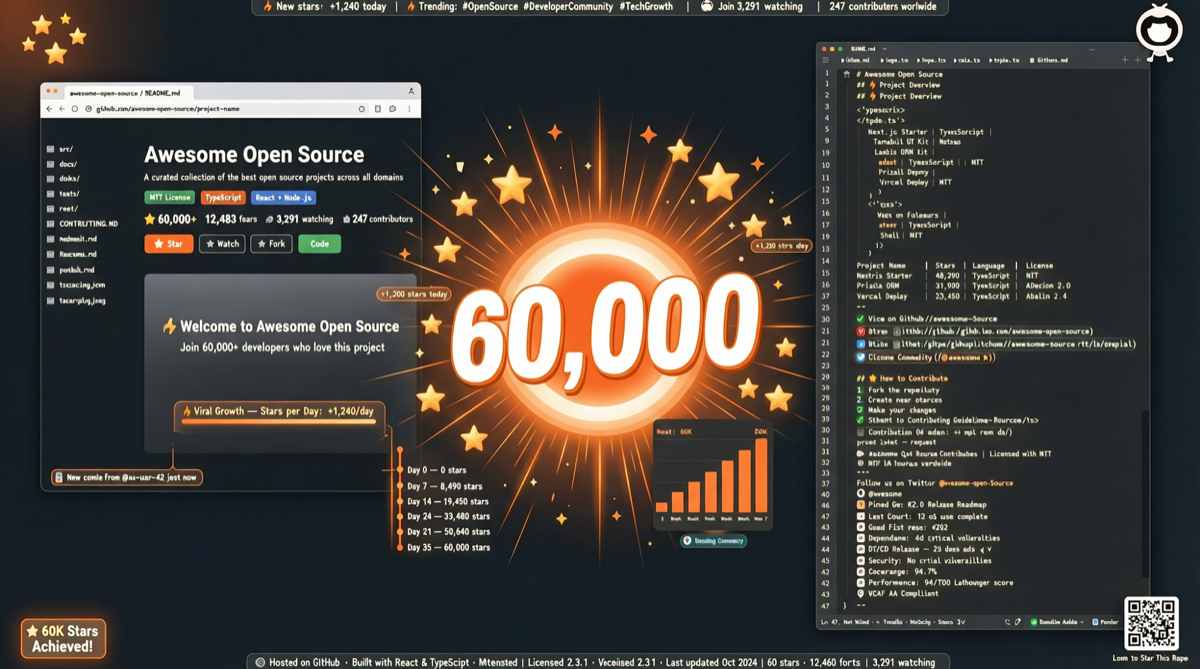
mattpocock/skills is the hottest project on GitHub this week—31,091 stars in one week, 59,309 total, 5,108 forks.
This is not a framework, not a library, not a toolchain. It is a collection of Skills files—practical configurations directly extracted from mattpocock’s personal .claude directory. Its viral success marks a new trend: best practices for AI-assisted coding are being standardized and shared through Skills files.
What Are Skills Files
Skills files are a configuration format for Claude Code (and compatible AI coding tools) that define how agents should behave in specific scenarios:
.claude/
├── skills/
│   ├── react-best-practices.md
│   ├── typescript-patterns.md
│   ├── testing-strategy.md
│   ├── code-review-checklist.md
│   └── refactoring-guide.md
└── CLAUDE.md
Each .md file tells the AI:
- What principles to follow in this domain
- What common pitfalls to avoid
- How to respond when encountering specific situations
Why This Repository Went Viral
1. The Author Is an Industry Figure
mattpocock is a well-known educator in the TypeScript and React space. His Total TypeScript courses have influenced hundreds of thousands of developers. His coding style and best practices carry high inherent reference value.
2. Not Theory, but Live Configurations
These Skills are not tutorials on “how to code”—they are configurations already used in real projects. They have been battle-tested in actual projects and contain extensive experience distilled from real-world mistakes.
3. Plug-and-Play Value
You can directly copy these Skills files into your own .claude directory and immediately get:
- React best practices: Component design, state management, performance optimization
- TypeScript patterns: Type safety, generics usage, type guards
- Testing strategy: Best practices for unit tests, integration tests, E2E tests
- Code review checklist: Key points to focus on when reviewing code
- Refactoring guide: Steps and precautions for safe refactoring
Comparison with Other Projects
| Project | Positioning | Stars | Characteristics |
|---|---|---|---|
| mattpocock/skills | Personal practical Skills | 59K | Practical configurations from an authoritative author |
| ComposioHQ/awesome-codex-skills | Codex Skills collection | 6.5K | Community-curated list |
| free-claude-code | Free access solution | 21K | Tool/workaround solution |
| ruflo | Agent orchestration platform | 41K | Multi-agent collaboration framework |
The uniqueness of mattpocock/skills: it’s not “collecting” others’ Skills, but a top-tier developer publishing their own .claude configuration. This level of transparency is extremely rare in the AI coding tool ecosystem.
Practical Value for Developers
Immediately Applicable Scenarios
- React projects: Directly copy React Skills to let AI automatically follow best practices when generating components
- TypeScript projects: TypeScript Skills help AI write more type-safe code
- Team standards: Can serve as a starting point for team AI coding standards, customizable on top
Learning Value
Even if you don’t use Claude Code, reading these Skills files is a learning process in itself. They contain:
- The author’s summary of common coding pitfalls
- Prioritization of best practices
- Thinking about the trade-off between “perfect” and “practical”
Landscape Assessment
The rise of Skills files means AI-assisted coding is entering a new phase:
- Phase 1 (2024): AI can write code, but doesn’t know your project standards
- Phase 2 (2025): CLAUDE.md appears, enabling project-level rule definitions
- Phase 3 (2026): Skills file ecosystem emerges—individual and team best practices can be packaged, shared, and reused
Analogous to traditional development, Skills files are like the AI-era combination of .eslintrc + .prettierrc + team standards.
Action Recommendations
- Try it now: Clone the repository, select Skills files relevant to your tech stack, and copy them into your project
- Team adoption: Write your team’s best practices as Skills files to unify AI coding standards
- Contribute to the ecosystem: If you have your own .claude configuration, consider open-sourcing it—this is currently one of the most valuable forms of contribution to the AI coding ecosystem