Core Judgment
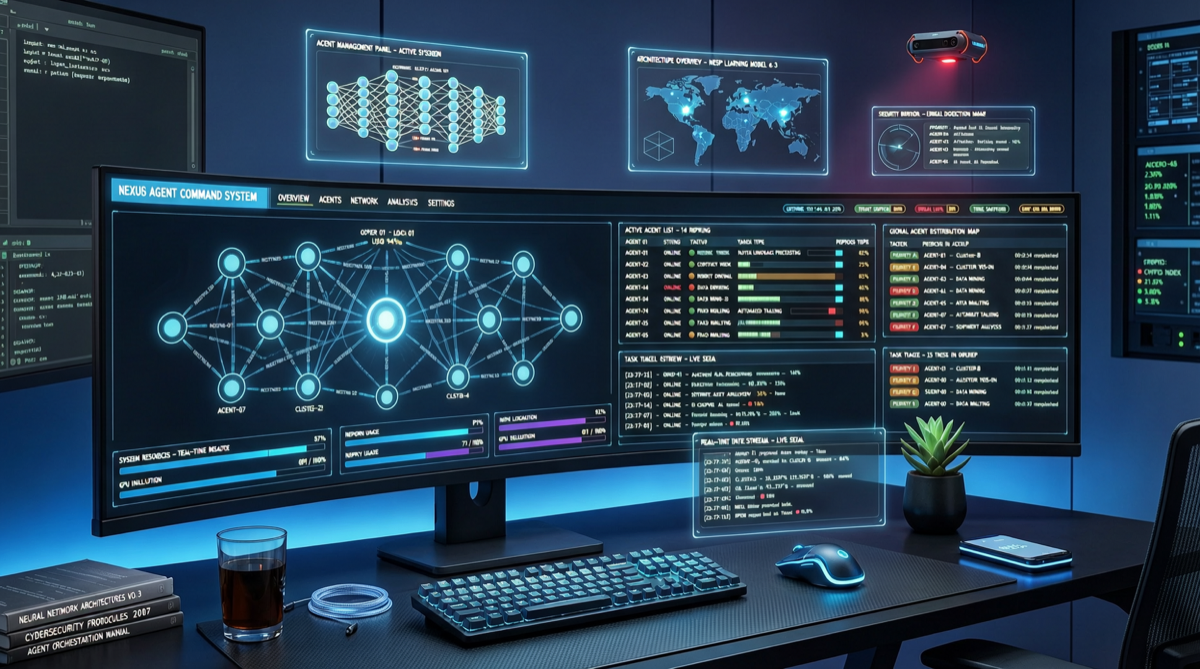
The Hermes Agent desktop app is not “putting a shell around a terminal” — it redefines the interaction paradigm for personal AI agents: from “conversational tool” to “manageable workspace”. For users already using OpenClaw/Claude Code but frustrated by the terminal experience, this is currently the most mature desktop alternative.
What Problems the Desktop Solves
Terminal vs Desktop: The Experience Gap
| Dimension | Terminal Mode | Desktop Workspace |
|---|---|---|
| Multi-Agent Management | Multiple terminal tabs needed | Unified panel, at a glance |
| Model Switching | Edit config/env vars | Instant dropdown switching |
| Session State | Lost on terminal close | Auto-synced across platforms |
| Tool Integration | Manual webhook config | One-click Telegram/Discord |
| Onboarding | Requires CLI knowledge | Slack-like interface, zero learning curve |
Key Capabilities Breakdown
1. Parallel Multi-Agent Management The desktop allows running multiple agent instances simultaneously, each with different models and task contexts. You can have one agent running data analysis in the background, another handling code review, and a third managing your schedule — all monitored in one interface.
2. Seamless Cross-Model Switching Support instant switching between OpenAI, Anthropic, Google, Alibaba Qwen, and other model providers without restart or reconfiguration. This is highly practical for scenarios requiring comparison of different model outputs or trade-offs between cost and performance.
3. Cross-Platform Session Sync Automatic sync of session state between desktop, mobile, and web. Tasks started on your computer can be monitored on your phone; conversations on mobile can be continued when back at your desk. This is completely impossible in terminal mode.
4. Native Messaging Platform Integration Telegram and Discord integration is no longer a “configure webhook + write script” geek exercise — it’s become a one-click connection. Agents can directly receive commands and send results on these platforms.
Competitive Comparison
| Product | Desktop | Multi-Agent | Cross-Model | Messaging | Open Source |
|---|---|---|---|---|---|
| Hermes Agent | ✅ Native | ✅ | ✅ | Telegram/Discord | ✅ |
| OpenClaw | ❌ Terminal-first | ✅ | ✅ | Discord/Slack | ✅ |
| Claude Code | ❌ Terminal | ❌ Single-task | ❌ Claude only | ❌ | ❌ |
| Cursor | ✅ In-editor | ❌ | ✅ | ❌ | ❌ |
Why Desktop Now
Hermes Agent had already introduced Mission Control dashboard, unlimited sub-agent depth, broader model support, and more in v0.11. The desktop is the natural extension of this product roadmap — when agent capabilities are strong enough, the terminal interface becomes the bottleneck.
From community feedback, 12+ agent swarm scenarios are already being run, meaning the complexity of agent management has exceeded what terminals can gracefully handle.
Action Recommendations
- Terminal power users: If you’re already accustomed to OpenClaw/Claude Code terminal workflows, the desktop won’t replace your habits but can serve as a “control tower” for monitoring and managing multiple agents.
- Non-technical users: The desktop is the lowest-barrier entry point into the AI agent world. No CLI needed — just open and use.
- Team scenarios: Multi-agent + cross-platform sync + messaging integration combined make the Hermes desktop a viable solution for small teams to share AI workforce.