Core Conclusion
The Cursor official team did something uncommon: they open-sourced their internal workflow as a plugin.
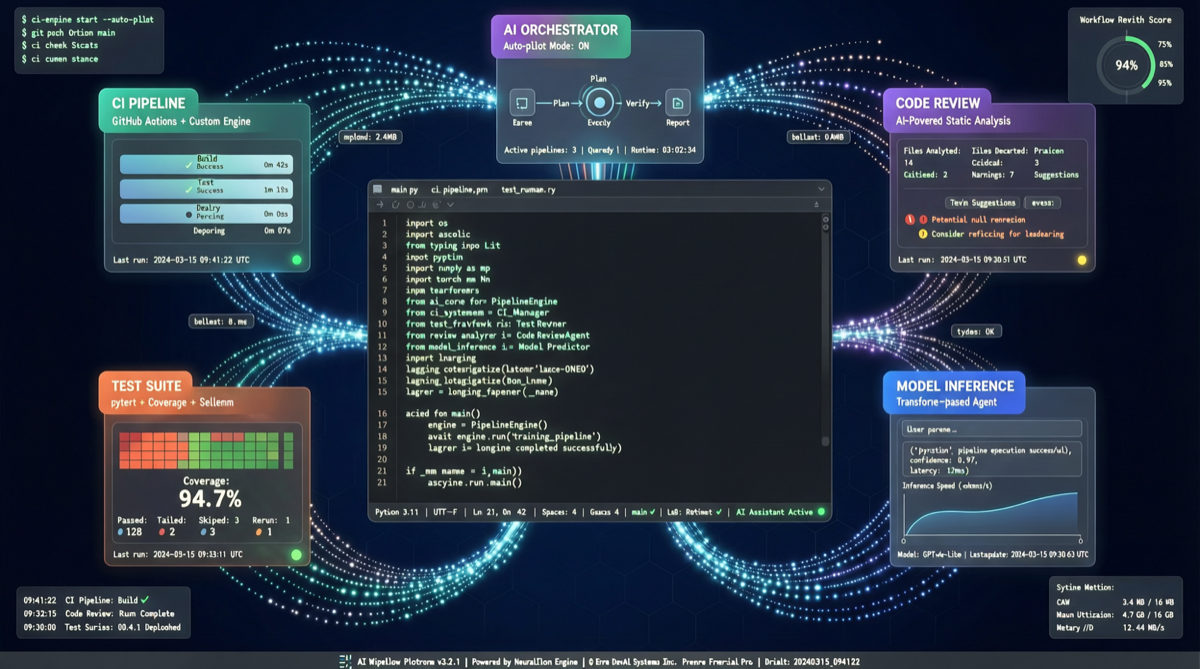
Called cursor-team-kit, this plugin contains 17 Skills, 1 Agent, and 2 Rules, covering the entire development workflow — CI/CD, code review, release, testing, code cleanup, weekly reports, and more. One command /add-plugin cursor-team-kit and it’s installed.
This isn’t just a simple tool share — it’s the Cursor team directly open-sourcing their AI coding best practices to all users.
Plugin Component Overview
Three Types of Components
| Type | Count | Purpose |
|---|---|---|
| Skills | 17 | Core capability modules covering CI, code review, release, and more |
| Agent | 1 | Autonomous task executor that can chain multiple Skills |
| Rules | 2 | Behavioral rules defining the Agent’s operational boundaries and constraints |
Five Functional Groups
A. CI / Continuous Integration (3 Skills)
- Automatically trigger CI processes
- Analyze CI failure logs and provide fix recommendations
- Automatically update PR status based on CI results
B. Code Review (4 Skills)
- Automatically review code changes in PRs
- Check code style and specification consistency
- Identify potential security vulnerabilities and performance issues
- Generate structured review reports
C. Release Management (3 Skills)
- Automatically generate changelogs
- Manage version increment and tag creation
- Automate pre-release checklists
D. Testing (4 Skills)
- Automatically generate test cases for new code
- Analyze test coverage and identify weak areas
- Run tests and categorize failure reasons
- Auto-trigger regression tests
E. Maintenance (3 Skills)
- Code cleanup and dead code detection
- Dependency update recommendations
- Automatically generate weekly reports
Why This Matters
1. “The Right Answer” from a Frontline Team
Most AI coding tool best practices come from community exploration. But cursor-team-kit is the workflow Cursor’s own team uses — these processes have been repeatedly validated through real projects, not theoretical design.
2. Lowering the Barrier for AI Agent Workflows
Previously, building a complete AI coding workflow required:
- Understanding the applicable scenarios for each Skill
- Writing custom Rules
- Debugging the Agent’s invocation logic
Now it’s a single command, directly reusing a mature solution.
3. Ecosystem Signals from Cursor SDK
Also released alongside is the Cursor SDK, allowing enterprises to build custom background agents using Cursor. Companies like Rippling, Notion, C3 AI, and Faire are already using the SDK to build:
- Fully automated bug-to-PR fix workflows
- Self-healing codebases
- Custom background agents
This signals Cursor’s evolution from “editor” to “AI coding platform.”
Comparison with Hermes / OpenClaw
| Dimension | Cursor Team Kit | Hermes Skills | OpenClaw Plugins |
|---|---|---|---|
| Positioning | Best practices for coding workflows | General agent capabilities | On-demand skill packages |
| Target Scenarios | Full software development lifecycle | General task automation | Vertical domains (healthcare, etc.) |
| Installation | /add-plugin one-click install | Skill marketplace selection | Plugin system on-demand install |
| Origin | Cursor official team’s internal use | Community + official | Community-driven |
| Open Source Status | Fully open source | Open source | Open source |
Complementary rather than competitive: Cursor Team Kit focuses on coding scenarios, while Hermes and OpenClaw cover broader agent applications. Together, the three can build a complete AI workflow from coding to deployment to operations.
Action Recommendations
| Role | Recommendation |
|---|---|
| Cursor Users | Install cursor-team-kit immediately — even if you don’t use everything, you can learn from the Rules design |
| Non-Cursor Users | Reference its Skills design patterns, applying them to your own AI coding toolchain |
| Team Leads | Customize team-specific code review and CI rules based on this plugin |
| Agent Developers | Study the orchestration logic of the 17 Skills, understanding how Skills chain together in real-world scenarios |
By open-sourcing their internal tools, Cursor is essentially defining the standard for AI coding workflows. Whether you use Cursor or not, this set of best practices is worth studying.