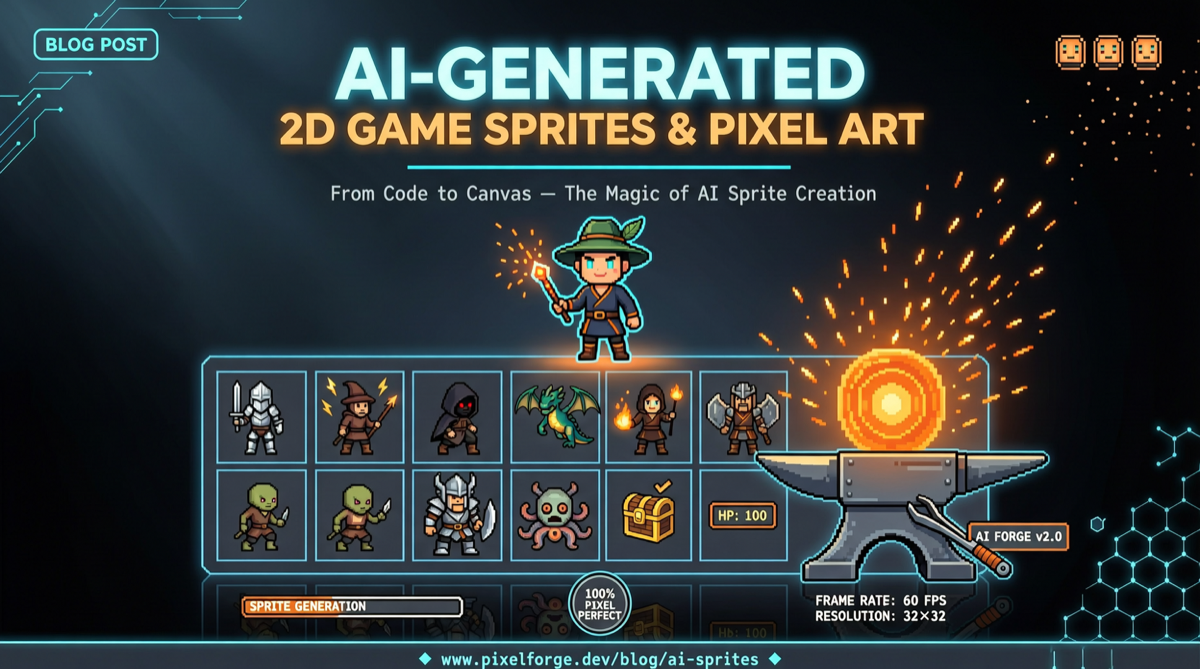
What’s the most painful part of making a 2D indie game? It’s not writing collision detection, not tweaking the physics engine — it’s creating art assets.
A single character’s idle, walk, attack, and death animations can require anywhere from a dozen to dozens of frames, all while maintaining a consistent style and perspective. Every tree, door, lantern, and patch of grass on the map needs to be drawn individually. For developers without an art background, this is almost the biggest barrier in indie game development — no matter how smoothly the code runs, if you get stuck on the art, the project dies unfinished.
Recently, a project on GitHub called agent-sprite-forge (1.7k stars) has taken a very straightforward approach: instead of relying on complex workflows like Stable Diffusion or ComfyUI, it equips OpenAI Codex with a game art skill set. Describe what you want in plain language, and it batch-generates sprite sheets, animation frames, and scene maps that you can drag straight into your game engine.
How It Works
The project consists of two independent Codex Skills:
$generate2dsprite handles characters and animations. You type a description like “generate a fire mage cast animation with projectile and explosion effects,” and Codex plans out the frame count, lays out a grid, and uses its built-in image generation capabilities to create the raw source art. A local Python script then does the post-processing: automatically removes the magenta background (#FF00FF chroma keying), slices frames by the grid, aligns and scales them, exports PNG sequences with alpha channels, and finally composites a GIF animation preview. It also supports directional animations (four-directional walk cycles for up/down/left/right) and a “bundle” mode — generate casting, projectile, and hit impact animations all in one shot.
$generate2dmap handles maps and scenes. It offers two strategies: a single baked image works well for simple scenes — one complete map, ready to go; a hybrid layered approach suits complex scenes that need collision detection and Y-sorting, splitting the ground, doors, and lanterns into separate transparent props, while also generating metadata for collision zones and trigger zones so characters can walk behind trees but get blocked by doors.
When hybrid layering needs transparent props, it directly calls $generate2dsprite to generate those elements — the two skills work together.
How It Differs from Similar Tools
There’s no shortage of AI game asset tools out there: Scenario, Leonardo.ai’s Game Assets mode, various ComfyUI-based workflows. agent-sprite-forge’s differentiation is clear:
You don’t need to deploy a diffusion server, and you don’t need a per-image paid generation API — Codex itself is the generator. And it’s not a GUI tool for human operators; it’s a “skill” designed for AI, which means you can embed asset generation into larger automated workflows: have the AI write the story first, then automatically generate characters and scenes based on it.
Many tools give you a single image, leaving you to slice frames and do chroma keying yourself. This project handles all the post-processing, outputting standard formats that engines can load directly.
See the Actual Output
The project has already showcased several playable prototypes built with Codex + agent-sprite-forge: a Unity WebGL survivor game (generating all assets — maps, heroes, monsters, props, HUD, VFX, etc.), a Godot 4 tower defense prototype, an editable RPG TileMap, a cyberpunk side-scrolling action game, and a JavaScript Pokémon-style game.
In terms of asset quality, it certainly doesn’t match hand-painted work by a professional artist — style consistency remains a natural challenge of AI generation. But for indie developers who want to “build gameplay first, add art later,” this workflow is already enough to accelerate prototype validation by an order of magnitude.
Quick Start
Installation is simpler than you’d expect:
git clone https://github.com/0x0funky/agent-sprite-forge.git
cd agent-sprite-forge
pip install -r requirements.txt

mkdir -p ~/.codex/skills
cp -R ./skills/* ~/.codex/skills/
Once installed, open a new Codex session and simply type Use $generate2dsprite to create a fire mage cast animation to start generating.
MIT licensed, open source and free. For developers looking to quickly validate 2D game prototypes, this might just be faster than learning Aseprite.