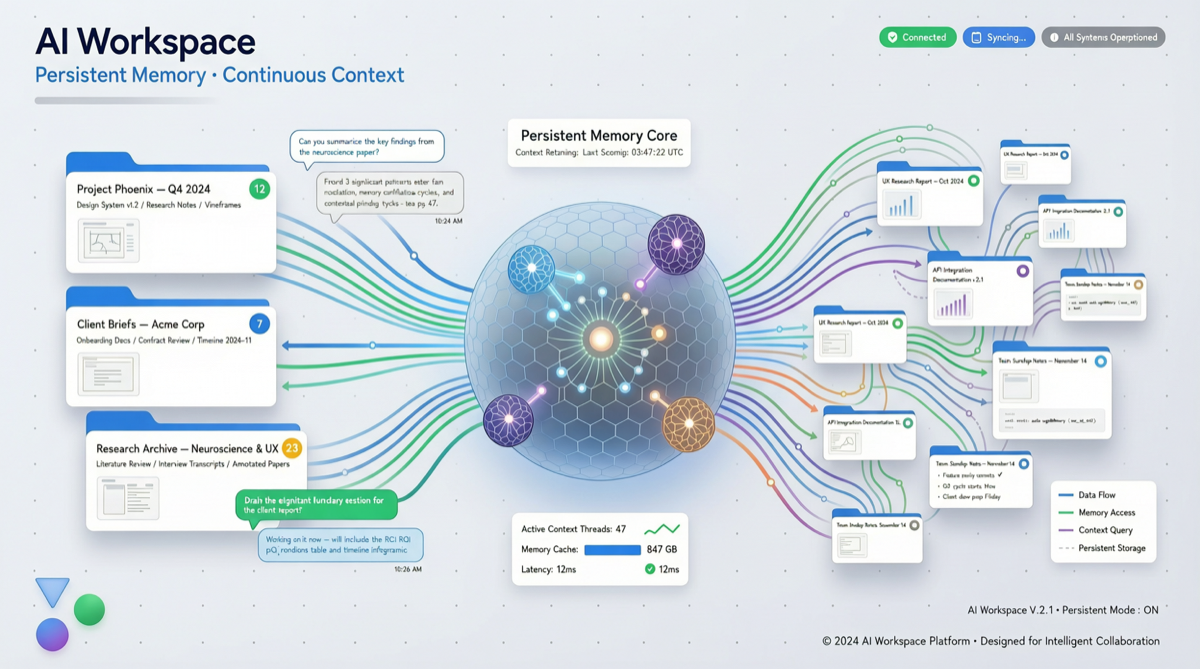
Core Conclusion
Google’s Gemini Projects feature, launched in late April 2026, is being seriously underestimated. This is not another chat feature upgrade—it is Google’s first move to give Gemini memory and contextual continuity—your files, instructions, conversation history, and project goals are persistently stored, and every time you return, you can “pick up where you left off.”
This means Gemini is transforming from a “start-from-scratch every time conversation tool” into an “AI work partner that knows what you’re doing.”
What Happened
Between April 29 and May 2, 2026, multiple tech bloggers concentrated on reporting Gemini’s 7 Agent upgrades, with the most core being the Projects feature:
- Persistent project context: Gemini can now store your file + instruction combinations, no longer resetting with each conversation
- Auto-resume: AI workspace remembers previous conversations, goals, and intermediate outputs
- Notebook integration: Connected with NotebookLM, chat records automatically convert to knowledge bases
- Personal Intelligence global rollout: Connects calendar, email, Photos and other personal data for customized responses
- Nano Banana 2: Image generation based on Google Photos
- Lyria 3 Pro: Music creation capability upgrade
These upgrades all point in one direction: Google is building a user-centric AI operating system, not a collection of isolated features.
Why It Matters
1. Contextual Persistence Is Key Agent Infrastructure
The biggest pain point for current AI Agents is “amnesia”—every new session requires restating background, re-uploading files, and reiterating needs. Projects solves this:
| Capability | Traditional Chat Mode | Projects Mode |
|---|---|---|
| File context | Re-upload each time | Persistently stored |
| Instructions/preferences | Repeat every time | Set once, effective long-term |
| Conversation continuity | New session = from zero | Auto-resume |
| Cross-tool collaboration | Manual switching | NotebookLM integration |
2. Competitive Positioning Against Claude and OpenAI
| Platform | Persistence Capability | Differentiation |
|---|---|---|
| Google Projects | Full persistence: files + instructions + conversations | Deep Google ecosystem integration |
| Claude Projects | Project folders + knowledge base | Coding + analysis advantage |
| OpenAI Workspace | Project memory (2026 Q2) | GPT model advantage |
Google’s advantage is ecosystem integration—Gemini can directly access Gmail, Calendar, Drive, Photos and other data, which Claude and OpenAI cannot replicate.
Quick Start Guide
Getting Started with Projects
- Open Gemini web or App
- Click sidebar “Projects” → “New Project”
- Upload files (documents, images, code, etc.)
- Set project goals and preference instructions
- Start conversation—Gemini automatically associates project context
Best Practices
- Isolate by project: Create independent Projects for each work item to avoid context pollution
- Leverage Notebook integration: Convert important conversations to searchable knowledge bases via NotebookLM
- Clean regularly: Archive unused projects to keep workspace tidy
- Mind privacy: Personal Intelligence involves personal data, enable as needed
Risks and Limitations
- Privacy concerns: Personal Intelligence requires access to extensive personal data, enterprise users need to assess compliance risks
- Lock-in effect: Deep usage of Gemini Projects makes migration to other platforms extremely costly
- Ecosystem dependency: Features heavily rely on Google ecosystem, non-Google Workspace users get degraded experience
Action Recommendations
For individual users:
- Try Projects immediately, build personal knowledge base workflow
- Compare with Claude Projects, choose the platform better suited to your ecosystem
For enterprise users:
- Assess data compliance risks of Personal Intelligence
- If team already uses Google Workspace, Gemini Projects is a natural extension
- Establish Projects usage guidelines to prevent data leaks