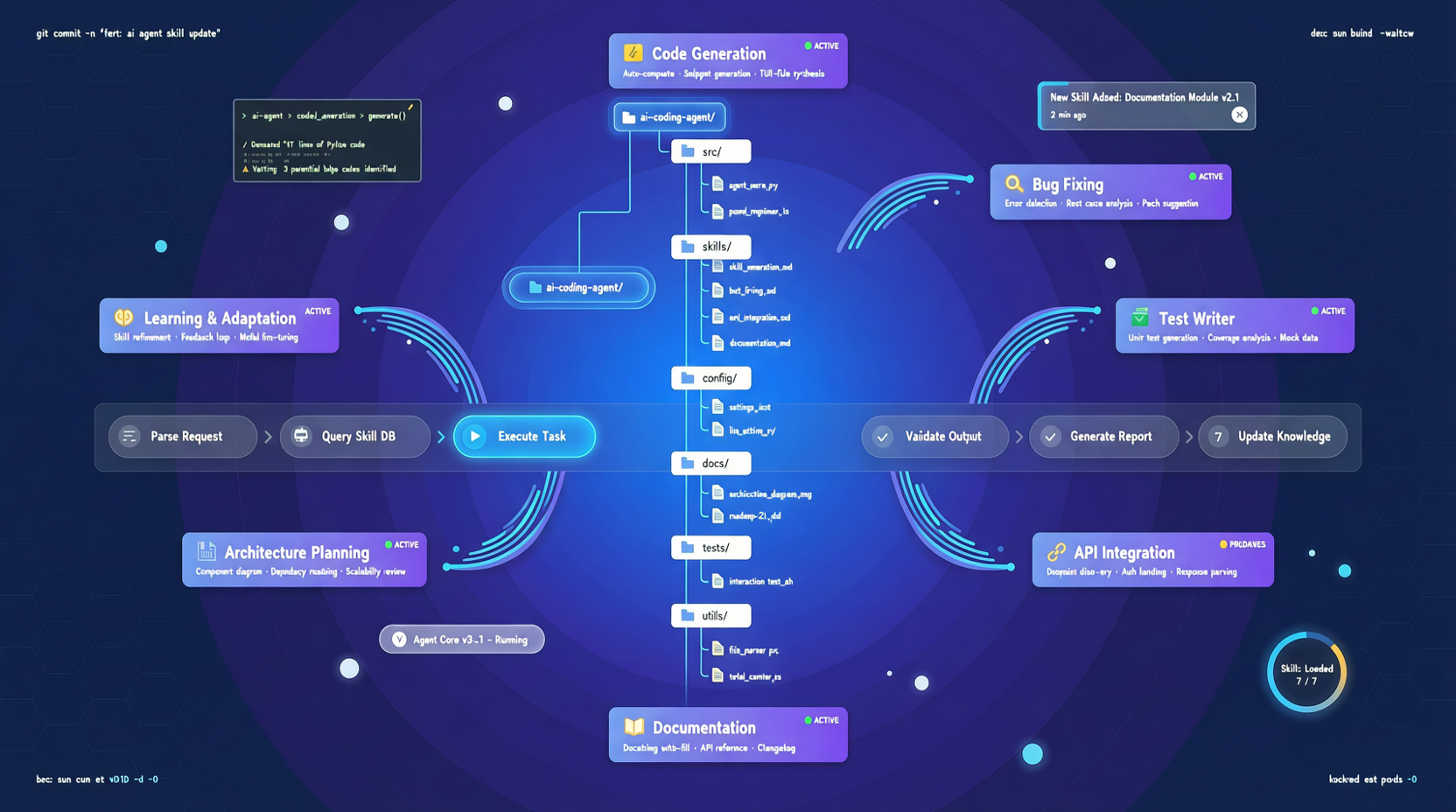
This week, a repo on GitHub posted growth numbers that look… suspiciously high.
mattpocock/skills gained 20,361 stars in just one week—reaching a total of 93,487.
This isn’t a new framework, a new language runtime, or a UI component library. It’s a .claude/skills directory—filled entirely with Markdown files, each describing a distinct “way to work with Claude Code.”
It went viral—not because it’s technically complex, but because it hits a problem everyone has just realized exists, yet no one has systematically solved.
Problem: AI programming assistants don’t “remember how you work”
Every developer using Claude Code runs into the same frustration: You spend an hour teaching it, “Don’t use axios directly in this project—use our wrapper instead.” Then, next session? It forgets.
You spend an afternoon tuning its communication style—“Skip step-by-step explanations; just edit the code.” Close the terminal—and it resets to zero.
That’s not a Claude problem. It’s a limitation of the current interaction model for AI programming tools: they’re still fundamentally stateless. Every time you launch one, you’re staring at a blank page.
Matt Pocock’s solution? Encode your expectations for the agent as skills—self-contained Markdown files, stored under .claude/skills/. Claude Code loads them automatically at startup.
Sounds simple. But once you accept that premise, the entire paradigm shifts.
A directory that holds not config—but engineering methodology
Open the repo, and you won’t find a pile of prompt templates. You’ll find mature engineering practices:
/grill-me — Before you write any code, the agent interrogates you like a seasoned teammate: “What exactly are you changing? What’s the impact scope? Have you considered solution X?” This isn’t chit-chat—it’s alignment. That famous line from The Pragmatic Programmer—“Nobody truly knows what they want”—is implemented here, in a single Markdown file.
/shared-language — Centralizes project-specific jargon, acronyms, and domain terms in one place. The agent stops describing a concept with 20 vague words—and starts speaking your lingo.
/tiny-PR — Forces the agent to break changes into minimal units. Not because it can’t generate large PRs—but because small PRs are easier to review and revert.
The design philosophy behind these skills is crystal clear: They don’t write code for you—but they help you communicate with the agent far more effectively.
Pocock puts it bluntly: “Developing real applications is hard. Methodologies like GSD, BMAD, and Spec-Kit try to manage your process—but they also take away your control. My skills are small, easy to adapt, and composable. They’re grounded in decades of engineering experience. Take them, play with them, and make them your own.”
.claude/skills is becoming the new npm install
The truly interesting shift is happening at the distribution layer.
npx skills@latest add mattpocock/skills — One command pulls 60,000 developers’ collective experience onto your machine. Then you pick and install only the ones you need.
This flow is nearly identical to npm install. The difference? npm installs code dependencies. Skills install workflow dependencies.
Once this pattern scales, AI programming’s reusability shifts—from “how do I reuse this code snippet?” to “how do I reuse this development habit?” A team’s best practices no longer sit buried in a Confluence doc, gathering dust. They become a skills directory—each new team member activates them instantly with npx add.
Risks exist too
Several concerns warrant close observation:
Skill quality is wildly inconsistent. The ecosystem is brand new—any Markdown file can call itself a skill. There’s no curation, no version constraints, no dependency declarations. A skill you install might silently conflict with another—yet you have no way to detect it.
Over-reliance on skills may stiffen the agent. If your skills directory contains 20 files, the agent must parse and internalize all those rules before every interaction—consuming precious tokens and context window space.
Security boundaries are blurry. At its core, a skill is an instruction set that directly shapes agent behavior. If you npx add an untrusted skills package, what could it put inside .claude/skills/? A skill that quietly pushes every modified file to a remote server? Nobody’s discussing this yet—but it will surface.
My take
The explosive growth of the .claude/skills ecosystem signals a pivotal shift in AI programming tool competition: from “whose model is smarter?” to “whose agent delivers better workflow experience?” The winner will be the one whose agent most intuitively understands your habits, requires the least re-teaching, and most seamlessly inherits team norms.
Pocock’s skills repo is the current gold standard. Those 93K+ stars weren’t inflated—they were earned, one real-world use case at a time.
If you’re using Claude Code, npx skills@latest add mattpocock/skills is absolutely worth trying. Even just /grill-me alone could prevent 80% of “the agent misunderstood my intent” incidents.
But don’t install everything. Pick 2–3 skills that genuinely match your workflow. Run them for a week. Observe the change. Leave the rest for now—wait until the ecosystem matures.
Primary sources:
- GitHub - mattpocock/skills (93,489 stars, updated 2026-05-19)
- skills.sh online demo
- Matt Pocock’s personal blog and AI Hero Newsletter (~60,000 subscribers)