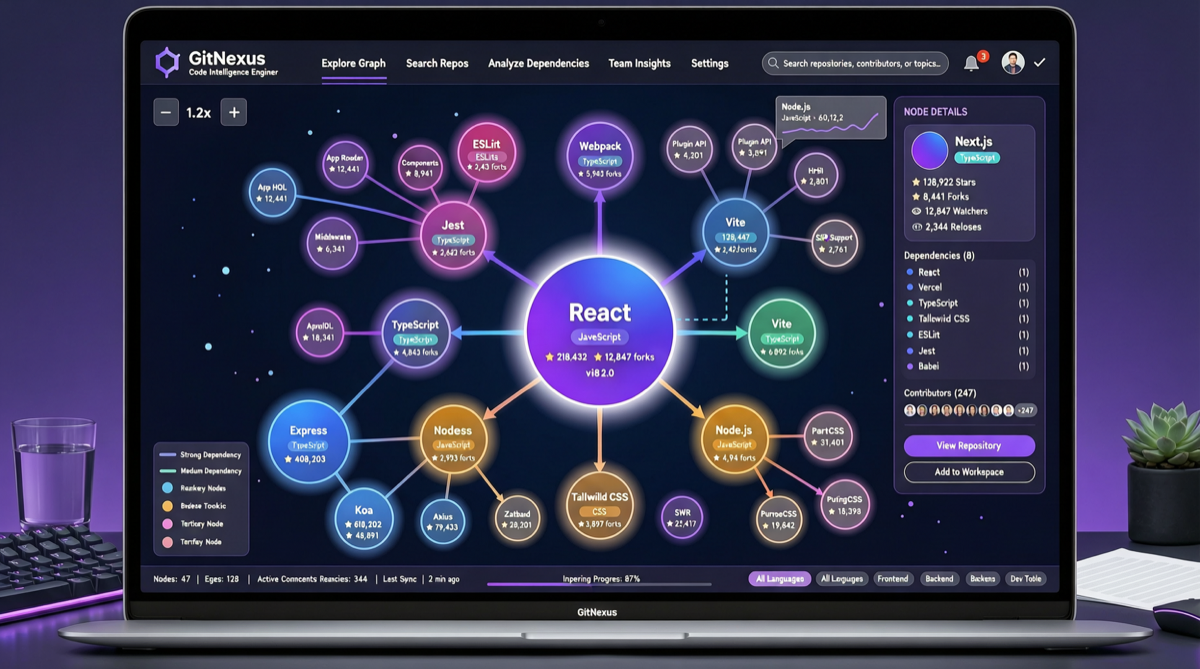
When reading a large codebase, the most time-consuming part isn’t writing code — it’s figuring out “how is this thing actually organized.” GitNexus takes a different approach: extract the structural information of code into a knowledge graph, letting you visualize and query it directly in the browser.
Created by developer abhigyanpatwari, GitNexus currently has 33,357 stars and 3,783 forks. Its core value proposition is straightforward: no server needed, no backend installation required. Drop in a GitHub repo URL or ZIP file, and it generates an interactive code knowledge graph in your browser, with a built-in Graph RAG Agent for conversational code exploration.
From the project structure, GitNexus has already formed a fairly complete ecosystem: .claude-plugin for Claude Code integration, .cursor directory with Cursor IDE configuration, .github with full CI/CD workflows (still fixing CI validation as recently as 3 days ago), and Docker deployment support (released two weeks ago). With 72 branches and 218 tags, the iteration pace is clearly dense.
Compared to code analysis tools that require backend deployment, GitNexus’s biggest advantage is zero configuration. Developers don’t need to set up databases or configure API keys — just open a browser. This “works out of the box” model is especially useful for quickly understanding a new project, warming up before a code review, or explaining code structure to team members.
However, browser-side computing power is limited. For超大 repositories (e.g., million-line monorepos), graph generation speed and memory consumption could be bottlenecks. Recent commits already show fixes for Docker heartbeat timeouts and multi-repo support in test environments, indicating the team is actively addressing scalability issues.
Quick start: Visit GitNexus GitHub, clone the project, open it in your browser, and drag in a target repo URL to start exploring.
Main sources: