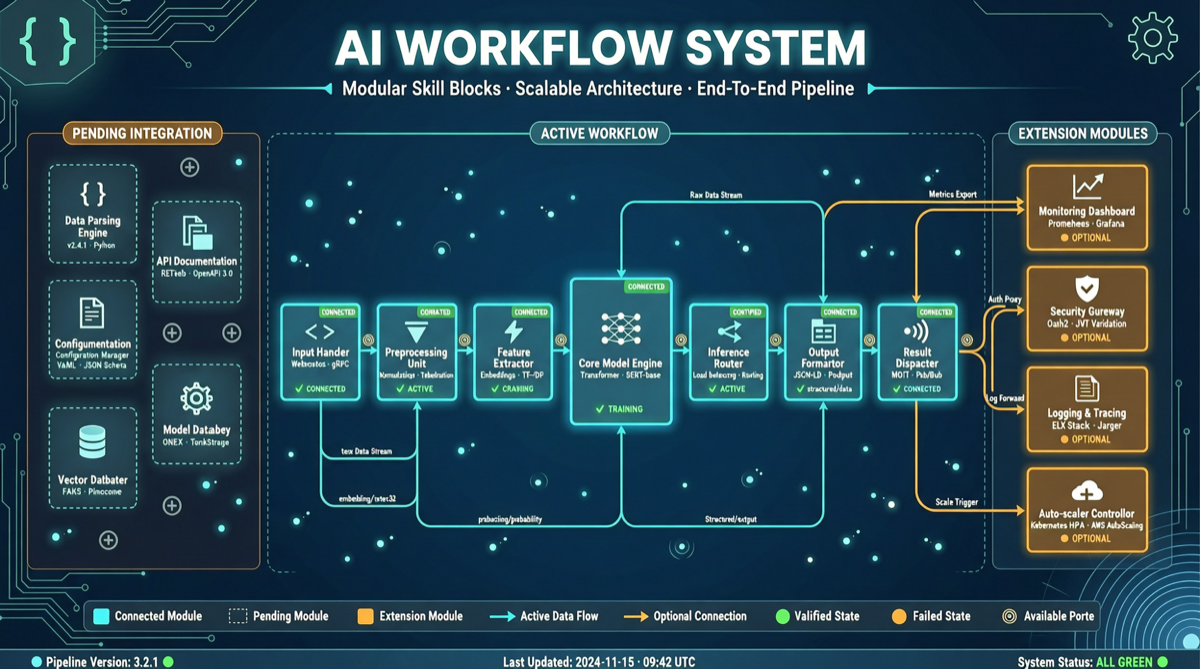
Claude Code’s Skills feature means developers no longer need to re-teach Claude “how to do things” every session. You can package coding standards, review processes, and document templates into Skills — reusable, installable, and shareable modules.
What Problem Do Skills Solve?
Every new Claude Code session typically requires re-setting:
- Project code style and naming conventions
- Architecture constraints and directory structure
- Test framework and coverage requirements
- Documentation format and commit message standards
Skills persist this configuration as an installable, shareable module.
Basic Skill Structure
my-skill/
├── SKILL.md          # Core instructions: how Claude should behave
├── scripts/          # Optional: helper scripts
└── templates/        # Optional: template files
Installation & Usage
# Install a Skill from GitHub
claude skill install <repo-url>

# List installed Skills
claude skill list

# Activate in a session
/skill activate code-reviewer

# Create your own Skill
claude skill create my-custom-skill
Popular Skill Categories
Code Development:
- Framework-specific code generation (React, Next.js, FastAPI)
- Code review and quality checking
- Database migration and schema management
Content Creation:
- Blog post structure templates
- SEO optimization checklists
- Multi-language translation workflows
DevOps:
- Docker configuration generation
- CI/CD pipeline templates
- Cloud resource deployment scripts
Making High-Quality Skills
- Be specific: Don’t write “write good code,” write “all API responses must include status_code, message, data fields”
- Clear scope: One Skill does one thing
- Include examples: Good SKILL.md includes input/output examples
- Version control: Manage Skills like code, track changes with Git
Limitations
- Skills currently work mainly within Claude Code ecosystem
- Complex Skills require prompt engineering experience
- Skill marketplace is early — review SKILL.md before installing
Main sources: