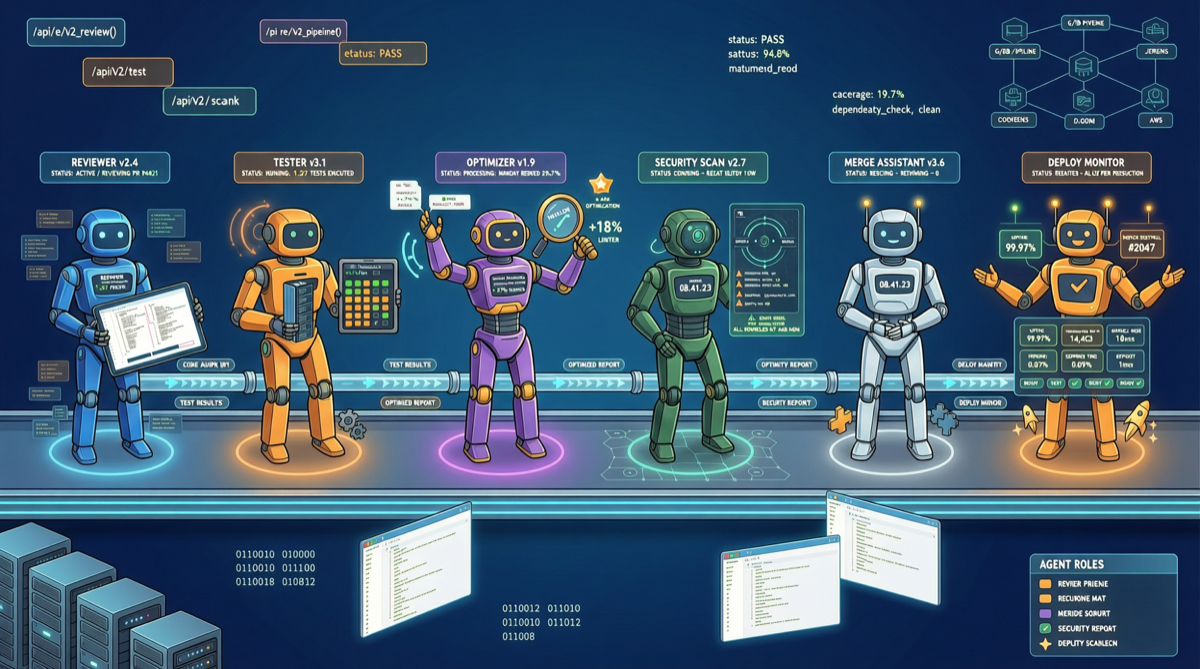
Anthropic’s Claude Code builder recently shared their internal usage pattern — not letting one agent do everything, but orchestrating multiple agents with distinct roles. This approach is being adopted by more development teams.
Why Multi-Agent?
A single Claude Code agent can handle many tasks, but complex projects hit natural bottlenecks:
- Limited context window: Large codebases don’t fit in a single session
- Role conflict: The person writing code and the person reviewing should have different perspectives
- Parallel efficiency: Serial execution of independent tasks wastes time
- Quality assurance: Self-reviewing code easily misses issues
Classic Four-Role Architecture
| Role | Responsibility | Output |
|---|---|---|
| Architect | Understand requirements, design architecture, split tasks | Task list, technical plan |
| Engineer | Write code per architecture design | Feature code, unit tests |
| Reviewer | Code review, security check, style validation | Review comments, fix suggestions |
| Shipper | Run tests, build, deploy, verify | Deploy status, regression report |
Each agent has its own CLAUDE.md config file defining role boundaries and behavior norms.
Native Support: Sub-agents
Claude Code’s Sub-agents feature enables this architecture without extra frameworks:
# Spawn a sub-agent in the main agent
/agent spawn --role reviewer "Review all changes in src/ directory"

# Spawn multiple sub-agents in parallel
/agent spawn --role tester "Run test suite for auth module"
/agent spawn --role reviewer "Review PR #142"

# Check sub-agent status
/agent list
In Practice: 30 Minutes from Requirements to Launch
- Architect Agent receives requirements, splits into 5 sub-tasks
- Main agent distributes tasks to 3 Engineer Agents for parallel development
- Each Engineer triggers a Reviewer Agent upon completion
- After review passes, Shipper Agent runs tests, builds, submits PR
- Main agent aggregates results, outputs completion report
Human involvement is only needed for key permission confirmations.
Boundaries
- Suitable for: Modular projects, teams needing strict code review, mature CI/CD environments
- Not suitable for: Exploratory development (unclear requirements), solo small projects (overhead exceeds benefit), resource-constrained environments
Main sources:
- Claude Code Sub-agents Documentation
- anthropics/claude-code - v2.1.123
- Community discussion: Multi-agent collaboration (X/Twitter, 2026-04-28)