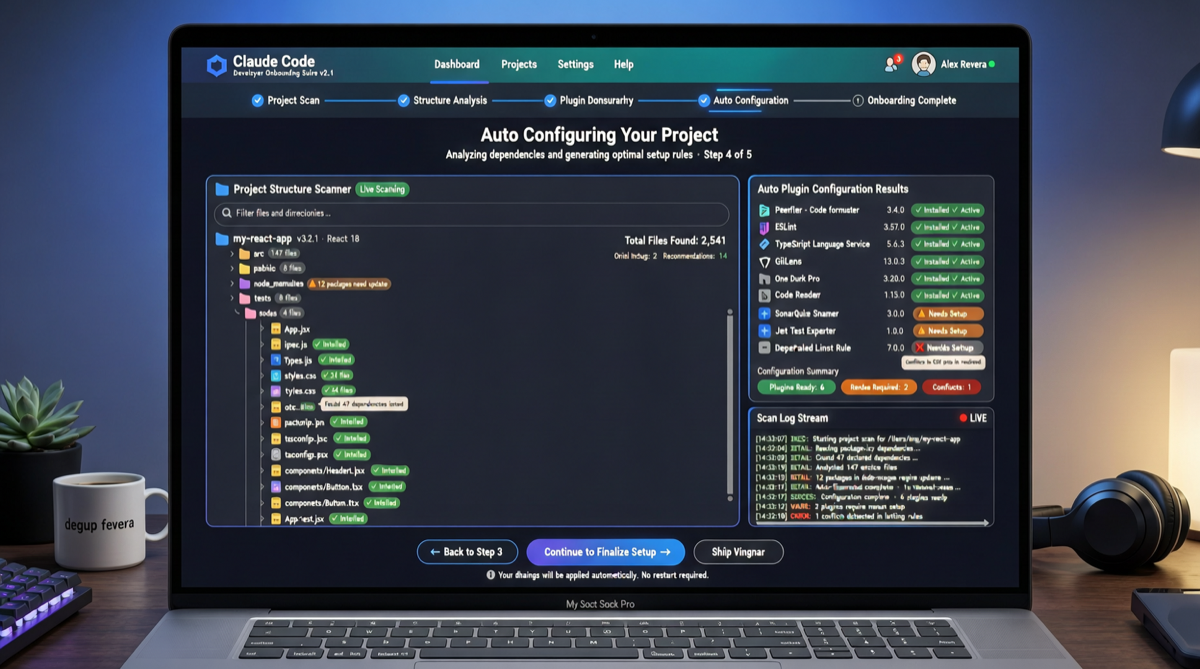
Claude Code has more and more features, but beginners often don’t know which hooks to enable, which skills to install, or which MCP servers to configure. Anthropic’s official claude-code-setup plugin is solving this.
What It Does
After installation, claude-code-setup performs a full project scan:
- Tech stack analysis: Identifies project language, framework, and build tools
- Hook recommendations: Suggests which pre-commit and post-processing hooks to activate
- Skill matching: Filters suitable Skills configs from the library
- MCP server recommendations: Recommends MCP services based on dependencies
- Subagent configuration: Plans subagent roles if multi-Agent collaboration is needed
Installation
Run directly in Claude Code:
/plugin install claude-code-setupOn first run, it automatically scans the current directory and generates a configuration recommendation report.
Use Cases
| Scenario | Traditional Approach | With claude-code-setup |
|---|---|---|
| New project init | Manual doc search, individual config | Scan and one-click recommendations |
| Migrating to Claude Code | Reading best practice articles | Auto-adapt to existing project structure |
| Team collaboration | Everyone摸索 individually | Unified standardized config |
Key Details
Recommendations are not one-size-fits-all. The plugin dynamically adjusts based on:
- Project size (file count, lines of code)
- Team size (inferred from Git commit history)
- CI/CD pipeline (detecting GitHub Actions, Jenkins, etc.)
- Existing AI tool traces (.cursorrules, .windsurfrules, etc.)
Limitations
- Scan depth is limited by Claude Code’s context window; large projects may need per-directory processing
- Some recommendations require manual confirmation; project files are not auto-modified
- Support for non-standard project structures is still being optimized